If you want to share a web page with someone via email the tried and true method of doing this is by copying and pasting the website page URL into an email to create a clickable link.
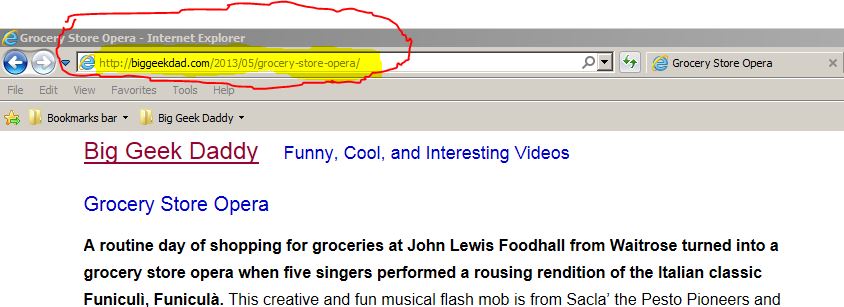
- Find the URL in your browsers address bar. An example is show below:
- Click on the URL to highlight it.
- Right Click and choose Copy.
- In your email Right Click and choose Paste where you want the link to appear.
For the example I used in the picture the URL looks like this:
https://biggeekdad.com/2013/05/grocery-store-opera/
The video below will provide another example of how to copy and paste the URL.